Isolate Objects Flawlessly
Every edge is refined at full resolution, from single hair strands to fur, and background colour spill is cleaned up. All of it happens in your browser.
Upload Image
PNG, JPG, WEBP (Max 15MB)
A transparent PNG in three steps
No install, no account. Drop a photo and let your browser do the rest.
Drop your photo
JPG, PNG or WEBP up to 15 MB. Drag it in or pick a file.
The background comes off
Your browser separates the subject, refines the edges at full resolution and checks the result.
Download
Get a lossless transparent PNG. Touch up details with the precision eraser if needed.
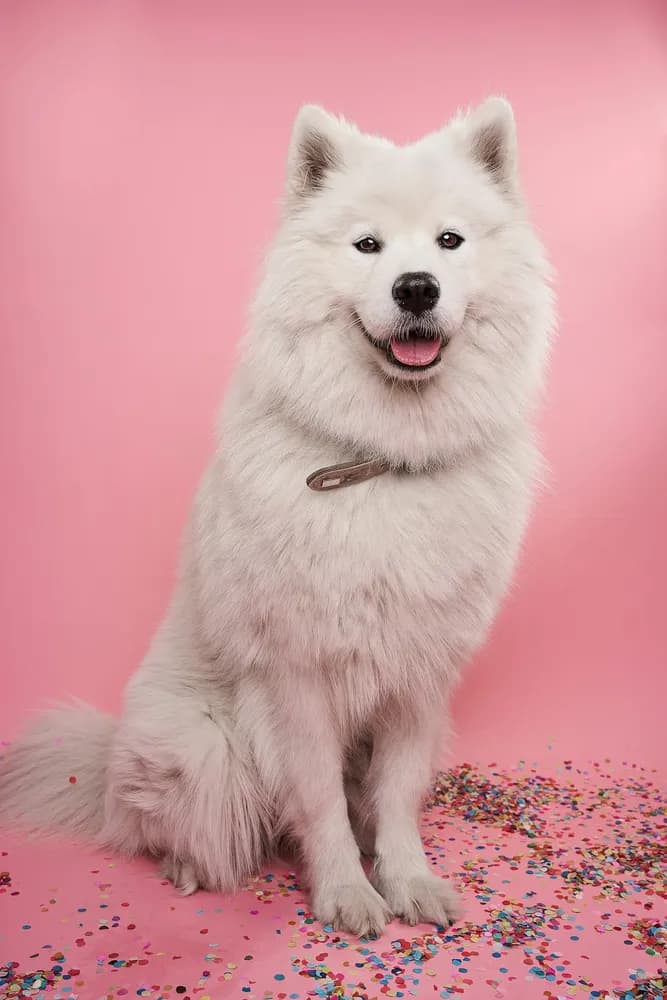
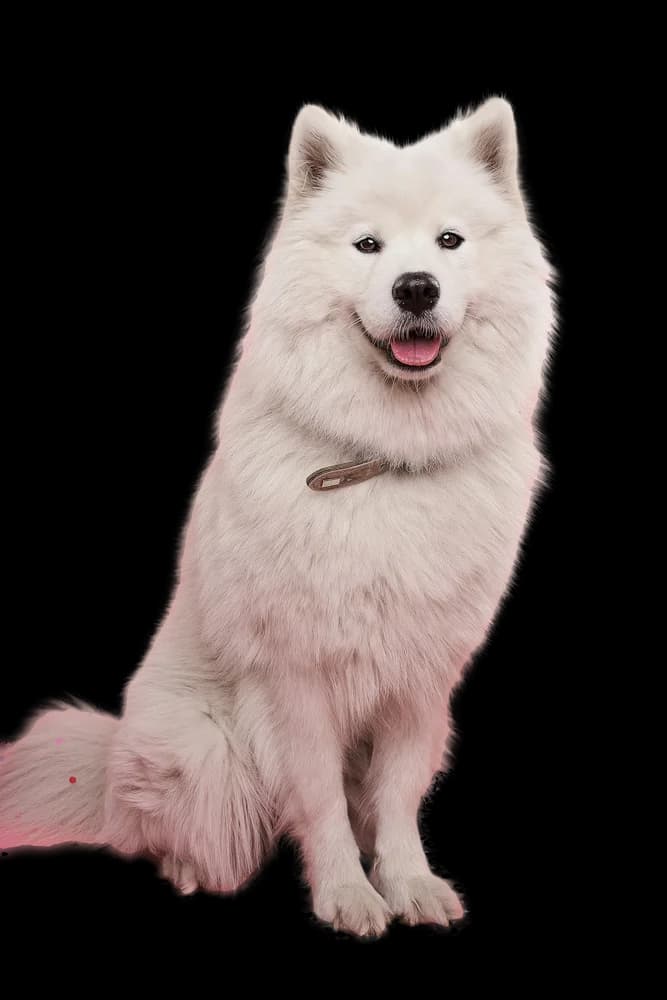
Sample results
Drag the slider to compare the original with the result. Every sample went through the same pipeline you use on this page.
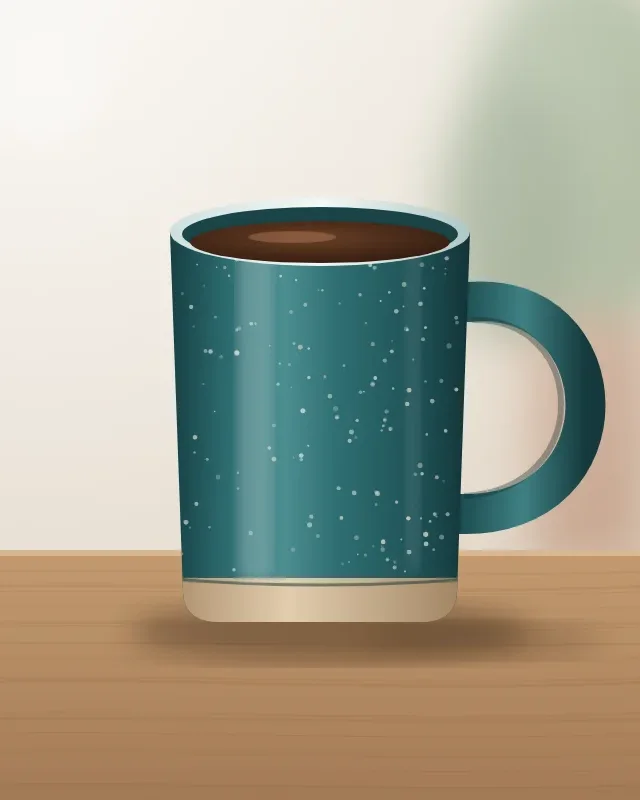



What are you using it for?
Tips, a sample result and common questions for each use case.
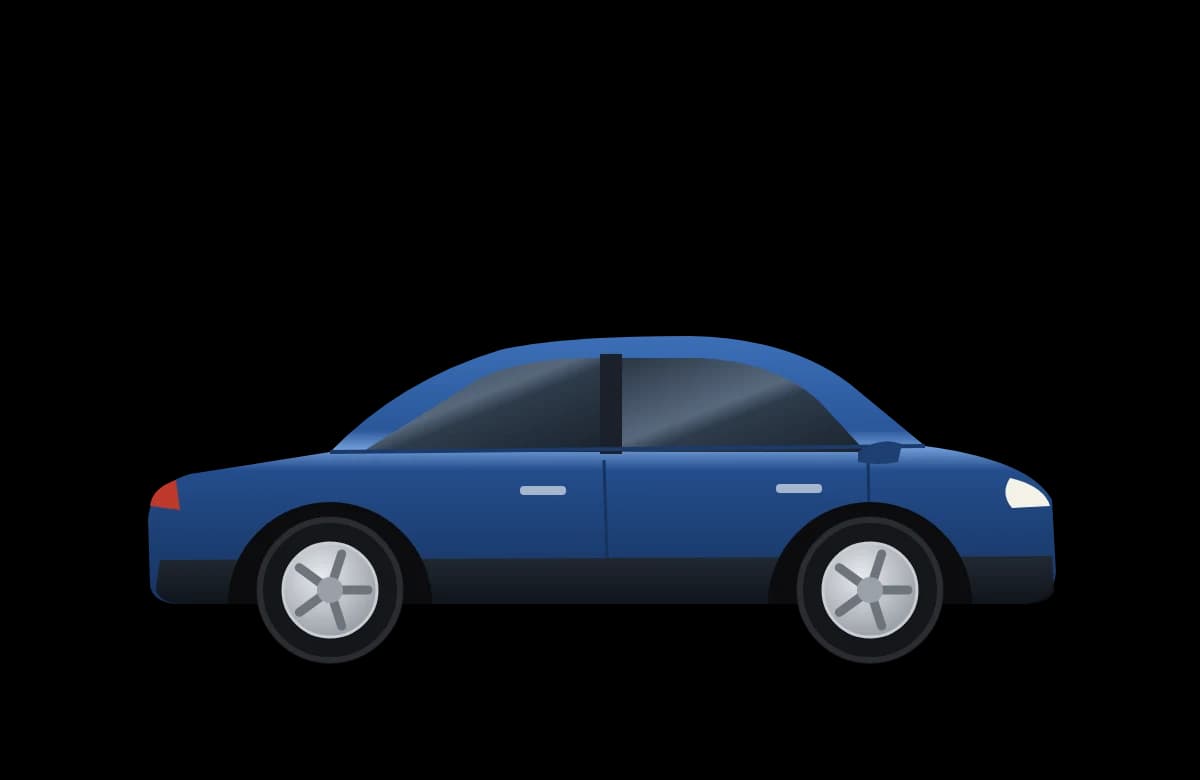
Using the tool
Why does the first run take longer?
On first use the background removal model is downloaded to your browser. This happens only once; later runs start much faster.
Which files can I upload?
PNG, JPG and WEBP images up to 15 MB.
Are my photos uploaded to a server?
No. Processing happens in your browser; your image never leaves your device.
Can I process several photos at once?
Right now background removal processes photos one at a time.